
Take Full Control of Your Salesforce Backup and Recovery
- Apr 12
- 3 min read
Sesame Software's latest update speeds up your time to insights with powerful replication, integration, and compliant Salesforce backup and recovery capabilities for your Salesforce Cloud data.
Salesforce champions, rejoice! Sesame Software just released a game-changing update for your data management experience. Expect faster transfers, streamlined workflows, and deeper control over Salesforce data backup and recovery. Let's dive into the details on protecting your data in the world's #1 CRM.
Effortless Deployment, Anywhere You Need It
Sesame Software's update gives you flexible deployment options that fit your existing infrastructure. Deploy on-premise, in the cloud, or in a Docker container — the choice is yours.
This flexibility makes Sesame Software a strong option for organizations that need scalable Salesforce backup solutions and enterprise data backup tools that adapt to their infrastructure. Full compatibility with Java 17 delivers optimal performance and efficiency.
Automation is Your Data Management BFF
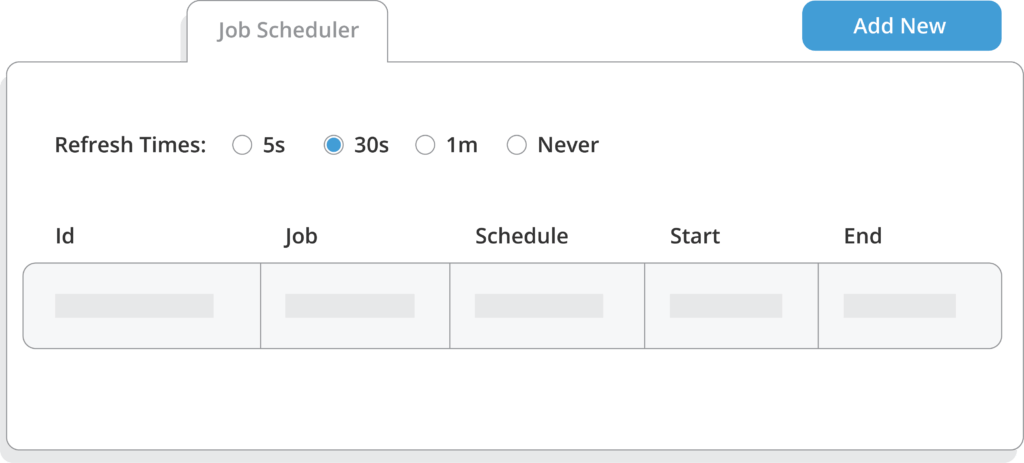
Tired of the manual grind? Sesame Software's built-in scheduling tool takes the reins.
Set your Salesforce data backup and integration tasks on autopilot. Free your team to focus on strategic initiatives that drive revenue and growth.
Frequent backups protect your CRM data. Many experts recommend that enterprise organizations maintain a maximum recovery window of about 15 minutes when they design their Salesforce backup and recovery strategy.
Fort Knox-Level Data Protection for Your Salesforce Backup and Recovery
Data security is our top priority. Sesame Software delivers robust backup and recovery solutions that keep your Salesforce data safe and recoverable.
Key features include:
Record Restoration Accidentally deleted data? No sweat. Restore it quickly using flexible Salesforce backup and restore capabilities.
Automatic Schema Management Sesame Software keeps your databases synchronized automatically. This ensures consistency across your data backup solutions and reporting systems.
Data Masking Navigate compliance requirements such as GDPR with confidence. Sesame Software protects sensitive customer data throughout the process.
SAML Authentication Sesame Software ensures only authorized users can access your Salesforce backup and recovery system.
Keep Your Salesforce Setup Healthy
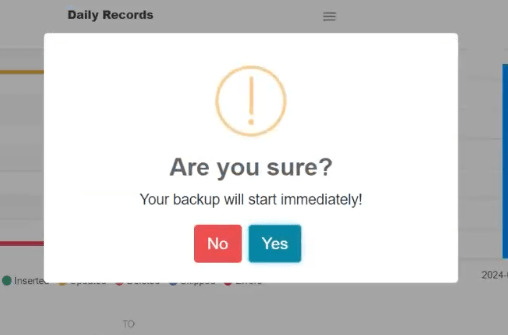
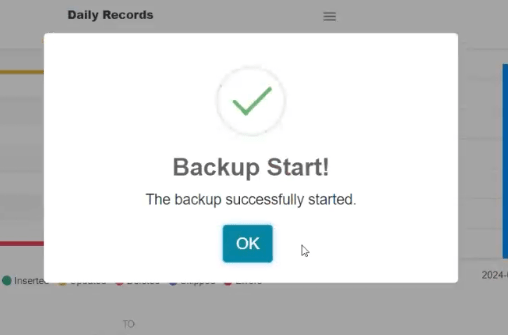
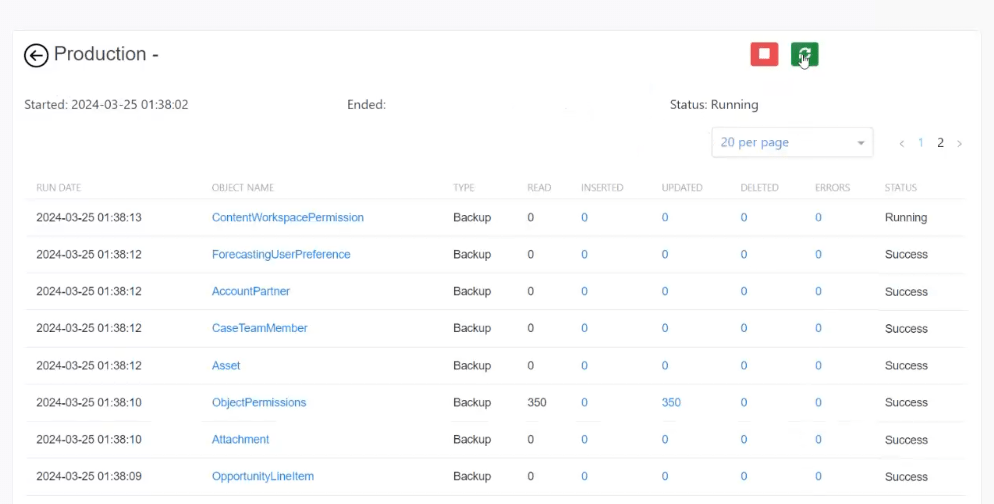
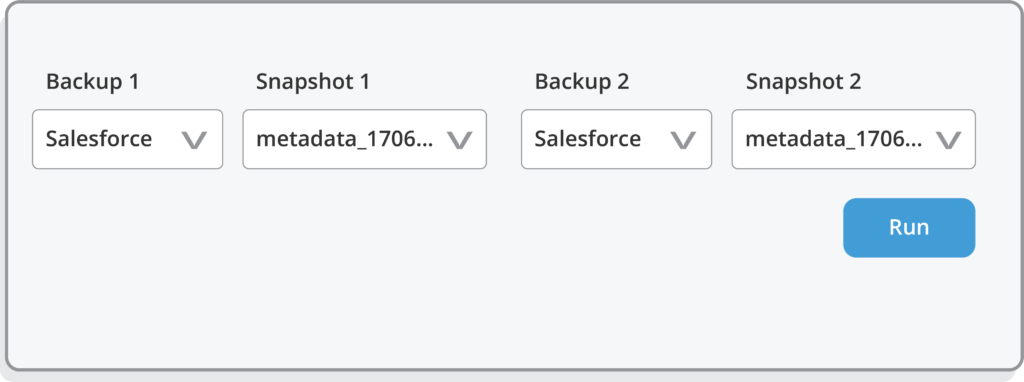
This update goes beyond simple data movement and security. It also streamlines metadata management within your Salesforce backup and recovery environment.
You can easily:
Export Salesforce metadata
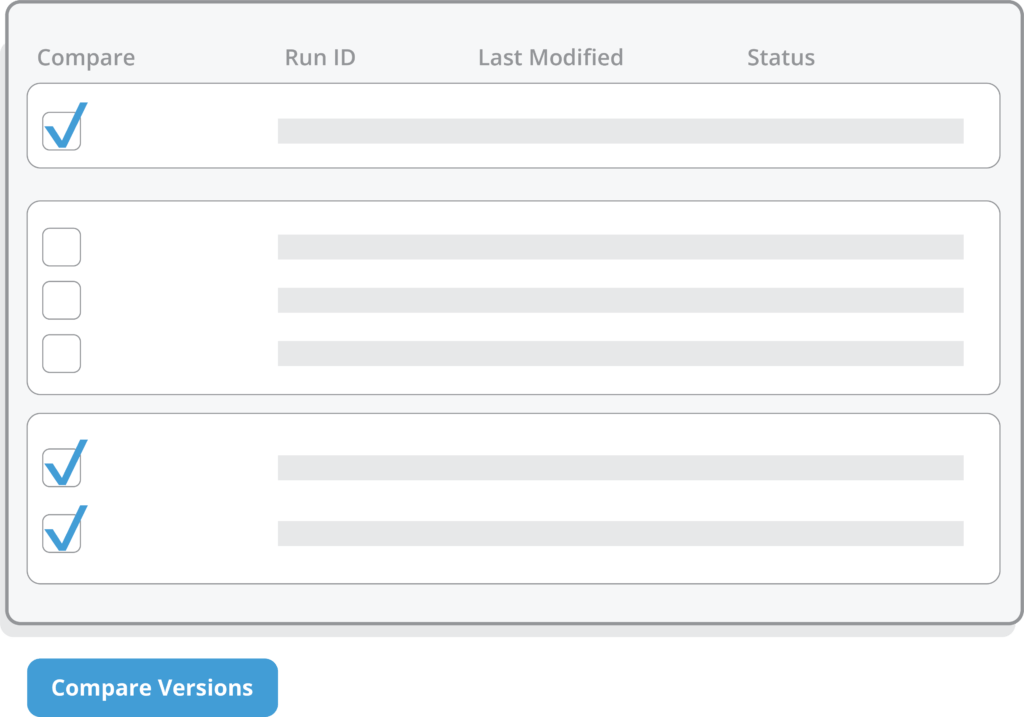
Compare changes between environments
Restore specific components when needed
This granular control allows administrators to maintain a stable and optimized Salesforce environment. It also supports reliable Salesforce data backup and recovery operations.
We Speak Salesforce Fluently
Sesame Software understands the needs of Salesforce administrators and data teams — especially when it comes to reliable Salesforce backup solutions.
Sesame Software built this update directly in response to feedback from Salesforce users.
Next on the Sesame Software roadmap is sandbox seeding. This feature will allow organizations to populate sandboxes with test data more easily. A complete history of your data changes makes development and testing workflows significantly more efficient.
Upcoming features will also include customizable data access controls. These controls will give organizations greater authority over how their Sesame Software manages their Salesforce data backup environments.
Important Note: Full copy sandboxes are useful for testing environments. However, they are not Salesforce backup and recovery solutions. Do not rely on them as a substitute.
Take Full Control of Your Salesforce Backup and Recovery
These new features — combined with Sesame Software's commitment to ease of use — give organizations greater control over their Salesforce data backup strategy.
Administrators can:
Define custom keys
Track changes using custom date columns
Back up and restore Salesforce metadata
These capabilities strengthen enterprise-grade Salesforce backup and recovery solutions. They help organizations protect critical CRM data while maintaining operational flexibility.
The Takeaway
Sesame Software's latest update unlocks the full potential of your Salesforce data. Experience faster transfers, smoother workflows, and deeper integration across systems.
Even the most experienced Salesforce administrators occasionally make mistakes.
Reliable Salesforce backup and recovery lets your team recover data quickly and return to normal operations with minimal downtime.
Still Trying to Figure Out Where to Start?
We can help.
Schedule a demo today. See how Sesame Software delivers powerful Salesforce backup solutions, flexible data backup solutions, and secure enterprise backup and recovery — all in one platform.
Connect Salesforce with on-premise or cloud enterprise applications and databases. Build a unified view of your data and put it to work across your entire organization.
Found this post helpful? Share it with your network using the links below.

