Salesforce Backup and Recovery for Real-Time Database Consistency
- Mar 23
- 4 min read
Access to accurate and timely data is critical. Whether you’re running reports, analyzing trends, or delivering exceptional customer service, having synchronized information across systems empowers businesses to act swiftly and confidently.
Sesame Software’s Near Real-Time Option (RTO) provides a reliable solution for maintaining up-to-date information by offering seamless, frequent updates between Salesforce and your database. This capability also complements modern Salesforce data backup and recovery strategies by ensuring organizations always have access to accurate and current data across systems.
Gone are the days of waiting for batch processing cycles to sync your systems. With RTO, updates are handled efficiently, keeping your data synchronized and your operations running smoothly.
What is the Near Real-Time Option?
Sesame Software’s Near Real-Time Option is an advanced data replication tool designed to ensure your Salesforce and external databases remain almost always in sync.
By monitoring changes continuously, RTO captures and processes updates within seconds, eliminating long delays and the inaccuracies often associated with traditional data replication methods.
Unlike true real-time systems, which can be resource-intensive and costly, RTO provides a cost-effective, highly efficient alternative that achieves near-instantaneous synchronization without burdening your infrastructure.
For organizations implementing enterprise data backup solutions and Salesforce data backup strategies, maintaining accurate data across platforms is essential for analytics, reporting, and operational continuity.
How Near Real-Time Synchronization Works
RTO enables a streamlined bidirectional data flow between Salesforce and your database, ensuring that changes in one system are reflected in the other with minimal delay.
This synchronization also supports reliable data backup solutions and analytics environments that depend on accurate CRM data.
From Salesforce to the Database
When updates occur in Salesforce—such as modifying a contact, creating a lead, or closing an opportunity—RTO quickly replicates these changes to the connected database.
Within seconds, your database users can access the updated records, ensuring they always work with the latest information.
Maintaining accurate replicated data also supports Salesforce data backup and recovery workflows by ensuring downstream systems always contain the most recent information.
From the Database to Salesforce
Similarly, changes made in the external database are synchronized back to Salesforce.
Whether it’s an update to product inventory, pricing, or customer details, these changes are processed promptly, ensuring Salesforce is never out of step.
This bidirectional approach helps organizations maintain consistent data across CRM platforms, analytics databases, and enterprise data backup solutions.
Customizable Replication Cycles
RTO operates on a configurable cycle interval that allows you to determine how frequently changes are checked and synchronized.
For example, you can set the system to check for updates every 10 seconds.
This flexibility ensures a steady flow of updates without overwhelming system resources or risking unnecessary delays.
Organizations that rely on data backup and recovery software and analytics pipelines benefit from this flexibility because it helps maintain accurate data across environments.
Key Benefits of Near Real-Time Synchronization
1. Timely Data Access
Frequent syncs mean that Salesforce and your database remain nearly always aligned, providing users with the most accurate and current data available.
This level of consistency supports organizations implementing Salesforce data backup strategies and enterprise reporting systems.
2. Improved Decision-Making
When decisions rely on fresh information, even minor delays can lead to missed opportunities or errors.
With RTO, teams can trust that they are working with up-to-date information across systems.
3. Reduced Manual Intervention
By automating the synchronization process, RTO eliminates the need for manual updates or ad hoc data corrections.
This not only saves time but also reduces the risk of errors and inconsistencies across systems that support data backup solutions and analytics workflows.
4. Optimized System Efficiency
RTO intelligently monitors for updates and prioritizes essential changes, minimizing unnecessary API calls and conserving system resources.
Efficient system operations are particularly important for organizations managing large-scale enterprise data backup solutions or high-volume Salesforce environments.
Designed for Scalability and Performance
Sesame Software’s RTO leverages a robust architecture to ensure seamless operation even in complex environments.
Efficient Use of Salesforce API
By utilizing Salesforce’s Outbound Messaging, RTO tracks changes as they happen without making excessive API calls.
Selective Data Processing
RTO focuses only on records flagged for changes, skipping redundant lookups or unnecessary updates to keep your operations lean and efficient.
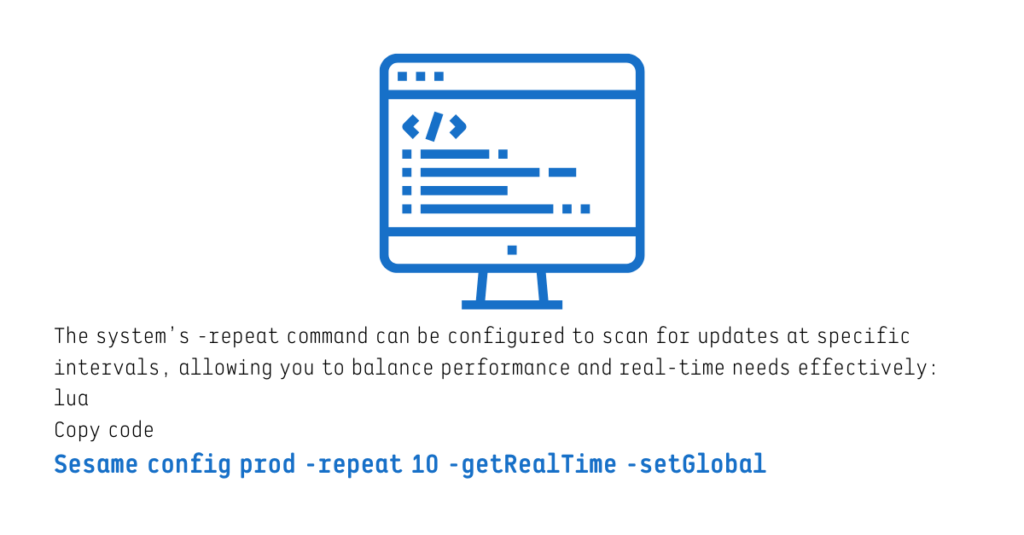
For example, the system’s -repeat command can be configured to scan for updates at specific intervals, allowing you to balance performance and near real-time needs effectively.
This setup ensures that data flows consistently while maintaining efficient use of system resources.
RTO in Action: How Updates Are Handled
Download Process
When changes occur in Salesforce, the system sends Outbound Messages containing key information, such as Salesforce IDs and SYSTEMMODSTAMP values.
Sesame Software’s application captures this data, maps it to your database, and updates the relevant records.
Upload Process
For updates originating in your external database, RTO uses the -set and -setGlobal commands to process changes efficiently.
Only records marked for updates, inserts, or deletions are handled, avoiding unnecessary metadata lookups or API calls when no changes exist.
Why Choose Sesame Software's Salesforce Backup and Recovery Near Real-Time Option?
As businesses increasingly rely on data for decision-making, operations, and customer engagement, synchronization delays are no longer acceptable.
Sesame Software’s Near Real-Time Option provides a powerful yet efficient solution for keeping Salesforce and external databases aligned.
Key advantages include:
Fast, frequent data updates that eliminate the lag of batch processing
Reliable bidirectional synchronization to maintain consistency across systems
Flexible configuration options that adapt to your business needs
Scalable architecture that optimizes performance and minimizes resource usage
These capabilities complement modern Salesforce data backup and recovery strategies and help organizations maintain consistent, reliable data environments.
A Smarter Approach to Data Synchronization
In a data-driven world, near real-time access to accurate information is essential.
Sesame Software’s RTO delivers the agility and reliability businesses need to maintain accurate Salesforce data across systems, analytics environments, and enterprise data backup solutions.
With a focus on efficiency, scalability, and ease of use, RTO empowers teams to act decisively, drive better outcomes, and maintain an edge in today’s fast-paced market.
When it comes to data-driven operations, nearly real-time access to accurate data can make all the difference.
What’s Next?
Ready to see how Sesame Software Salesforce Backup and Recovery can unlock self-service analytics and reliable data integration for your team?
Reach out today to learn more about our integration and data backup solutions, and discover how Sesame Software can strengthen your Salesforce data backup strategy.
Schedule a demo today to learn more about our solutions and start enhancing your Salesforce data backup and recovery capabilities.
Found this post helpful? Share it with your network using the links below.